





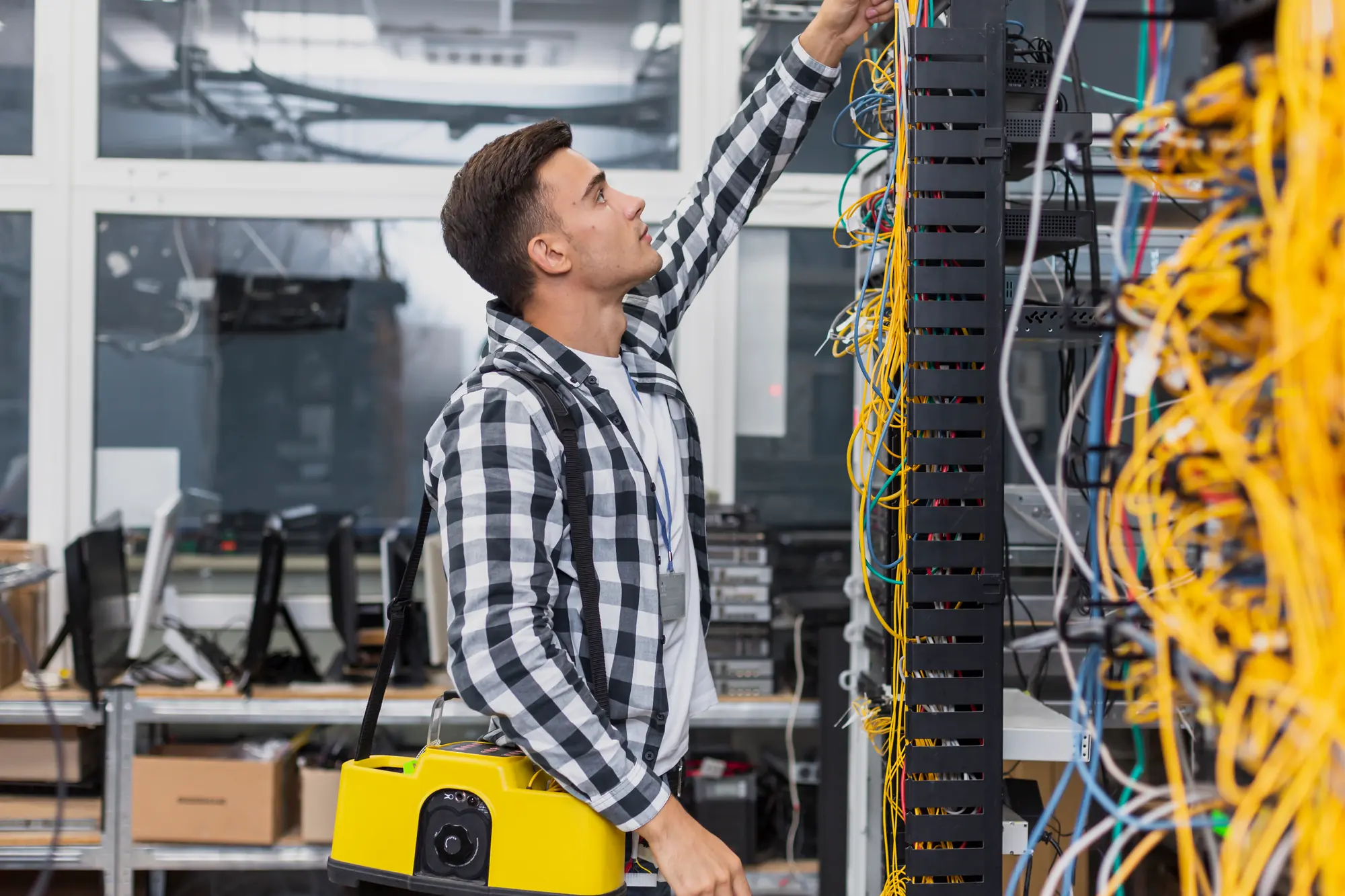
A good office Wi-Fi network for 10 to 200 users is built on four things: enough ceiling-mounted access points (one per 20 to 25 active users, or roughly one per 100 to 150 square metres), PoE switches that power them over a single cable, Cat6 structured cabling back to a tidy rack, and a router or firewall that splits staff, guest and CCTV traffic into separate VLANs. Get those four right and the Wi-Fi stops being the thing everyone complains about on Monday morning.
This guide walks through planning an office network in Mumbai, Thane or Navi Mumbai, from a 10-seat CA firm in a commercial complex to a 200-seat floor in a business park. It covers consumer mesh versus enterprise access points, how many APs you need, cabling, VLANs, guest Wi-Fi and indicative 2026 costs. If you want someone to do the walk-through with a Wi-Fi meter, see office Wi-Fi and network.
Start with the broadband, not the Wi-Fi
Half of "the Wi-Fi is slow" complaints are actually the internet line. Before touching access points:
- Get a fibre line sized for the headcount. As a rule, 2 to 4 Mbps per concurrent user for general office work and video calls. A 50-person office is comfortable on a 200 to 300 Mbps Jio Fiber, Airtel or Tata Play Fiber business plan.
- Prefer a static IP business plan if you host anything, run CCTV remote viewing or need a site-to-site VPN.
- Add a second line from a different provider once downtime costs you money. A firewall with dual-WAN failover makes the switch automatically. A Jio Fiber line plus an Airtel 5G or Jio AirFiber backup is a common, cheap combination in Thane.
- Put the ONT, router and switch on a UPS. Mumbai power cuts are short but frequent.
Mesh vs enterprise access points
Home mesh kits are cheap and easy, and for a 5 to 8 person office in a single room they are fine. Beyond that they struggle: mesh nodes talk to each other wirelessly, which halves capacity with every hop, they cannot do proper VLANs or guest isolation, and they have no central view of who is connected.
Enterprise or "prosumer" access points (Ubiquiti UniFi, TP-Link Omada, Aruba Instant On, Cisco Business, Ruckus for larger sites) are wired back to a switch, powered over that same cable (PoE), managed from one controller, and support multiple SSIDs mapped to VLANs. They cost more per unit, but you need fewer of them and they roam cleanly as people walk between meeting rooms.
| Consumer mesh | Enterprise access points | |
|---|---|---|
| Backhaul | Wireless (halves throughput per hop) | Wired Cat6, PoE |
| Users per node | 10 to 15 comfortable | 40 to 60 comfortable, 20 to 25 recommended for density |
| VLANs and guest isolation | Basic or none | Full |
| Central management | App, per-site | Controller, multi-site, logs, alerts |
| Roaming | Hit and miss | Fast roaming (802.11r/k/v) |
| Indicative cost per unit | ₹4,000 to ₹9,000 | ₹8,000 to ₹25,000 (Wi-Fi 6/6E) |
How many access points do you need?
Count by users and by area, then take the higher number.
- By users: one AP per 20 to 25 concurrently active devices for a normal office. Count laptops plus phones, so 50 people is about 100 devices, which is 4 to 5 APs.
- By area: one AP per 100 to 150 square metres of open-plan office. Brick and RCC walls, glass cabins and server rooms reduce range; a 2,000 square foot floor (about 185 square metres) with cabins typically needs two APs, not one.
| Office size | Users | Indicative APs | Switch | Notes |
|---|---|---|---|---|
| Small (up to 1,000 sq ft) | 10 to 15 | 1 to 2 | 8 port PoE | One AP centrally on the ceiling |
| Medium (1,000 to 3,000 sq ft) | 15 to 50 | 2 to 4 | 16 to 24 port PoE | Cover meeting rooms separately |
| Large (3,000 to 8,000 sq ft) | 50 to 120 | 5 to 8 | 48 port PoE or two 24s | Dual-WAN firewall, Wi-Fi 6 |
| Floor or multi-floor | 120 to 200 | 8 to 14 | Stacked 48 port, 10G uplinks | Site survey mandatory |
Place APs on the ceiling, not on top of a cupboard against a wall, and never inside the metal rack. Use the Wi-Fi coverage planner to get a first estimate from your floor dimensions and headcount.
Switches and PoE
Every AP, IP phone and IP camera needs power and data. PoE switches deliver both over the Cat6 cable, which means no power sockets on the ceiling and everything reboots cleanly from the rack after a power cut.
- PoE budget: add up the devices. A Wi-Fi 6 AP draws 15 to 25 W, an IP camera 5 to 12 W, an IP phone 4 to 7 W. A 24 port switch with a 190 to 250 W budget covers a typical medium office; cheap "PoE" switches with a 60 W budget run out after four APs.
- Managed, not unmanaged. You need VLAN support, link aggregation and a web interface for troubleshooting. Managed 24 port PoE switches run indicatively ₹18,000 to ₹45,000.
- Uplinks: 1 Gbps to the firewall is fine up to about 100 users; use a 10G uplink for larger floors or when a NAS sits on the network. See networking products for current stock.
Structured cabling: do it once, properly
Cabling is the part you cannot fix with a firmware update. Our structured cabling standard for offices:
- Cat6 pure copper (not CCA) for all runs; Cat6A if you expect 10G to desks or want 15 years from the install.
- One or two data points per desk and one per AP, camera, printer and TV, all terminated on a patch panel in a wall-mounted or floor-standing rack.
- Maximum 90 metres per run. Long floors get an intermediate switch.
- Label both ends, test every run with a certifier and hand over the test report.
- Leave 20 percent spare ports on the panel and switch for the hiring you have not done yet.
Indicative cost in Mumbai and Thane is ₹1,200 to ₹2,200 per data point including cable, I/O, patch panel share and testing, more for false-ceiling conduit work or long external runs.
VLANs: staff, guest, CCTV, voice
A flat network where the receptionist's laptop, the visitor's phone, the CCTV NVR and the accounts server all sit together is how one infected laptop takes down a company. Split it:
- Staff VLAN for employee laptops and the file server or NAS.
- Guest VLAN for visitors, isolated from everything internal, with internet only and a bandwidth cap. Use a captive portal or a daily rotating password, and consider a QR code at reception.
- CCTV and IoT VLAN for cameras, NVR, smart TVs, biometric devices and the office Alexa. These devices get the worst security updates, so they must not see your file server.
- Voice VLAN if you run IP phones.
- Management VLAN for switches, APs and the firewall interface itself.
Each SSID maps to a VLAN; two or three SSIDs is plenty. Your firewall enforces who can talk to whom, which matters more than most SMEs think; check your security score to see where you stand.
Indicative budgets (2026, Mumbai and Thane)
| Office | Equipment (indicative) | Cabling and installation (indicative) | Total |
|---|---|---|---|
| 10 to 15 users | ₹35,000 to ₹60,000 | ₹15,000 to ₹30,000 | ₹50,000 to ₹90,000 |
| 25 to 50 users | ₹90,000 to ₹1,80,000 | ₹40,000 to ₹90,000 | ₹1,30,000 to ₹2,70,000 |
| 100 users | ₹2,50,000 to ₹4,50,000 | ₹1,20,000 to ₹2,20,000 | ₹3,70,000 to ₹6,70,000 |
| 200 users | ₹5,00,000 to ₹9,00,000 | ₹2,50,000 to ₹4,50,000 | ₹7,50,000 to ₹13,50,000 |
Equipment includes firewall, switches, APs, rack and UPS.
FAQ
How much does office Wi-Fi installation cost in Mumbai?
Indicatively, a complete office Wi-Fi network for 25 to 50 users in Mumbai or Thane costs ₹1,30,000 to ₹2,70,000, covering a firewall, a managed PoE switch, three to four Wi-Fi 6 access points, Cat6 structured cabling, a rack with UPS, and configuration of staff, guest and CCTV VLANs. A 10 to 15 user office is roughly ₹50,000 to ₹90,000.
How many access points does a 50 person office need?
A 50 person office usually needs four to five access points. Count devices rather than people, since each person carries a laptop and a phone, and plan one AP per 20 to 25 active devices or per 100 to 150 square metres, whichever gives more. Meeting rooms with glass partitions and training halls often need their own AP.
How much does structured cabling cost per point?
Structured Cat6 cabling in Mumbai and Thane costs indicatively ₹1,200 to ₹2,200 per data point, including pure copper cable, the wall outlet, the patch panel share, labelling and certification testing. False-ceiling conduit work, long external runs and Cat6A for 10 Gbps raise the price. Always ask for the test report at handover.
Need a hand?
We survey the floor with a Wi-Fi meter, design the AP layout and VLANs, and hand over a labelled, tested network. Contact Onus Solutions or call +91 99679 77861 for offices in Thane, Mumbai and Navi Mumbai.